
A sell price from materials and hours
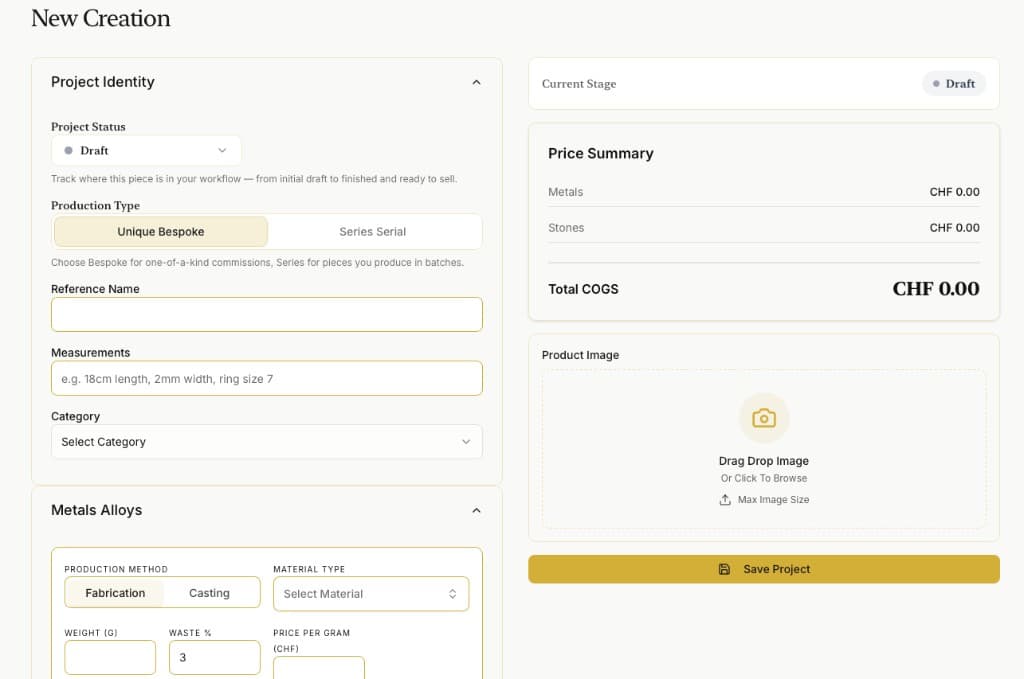
Build a price that reflects what went into the piece. Change it until you are happy before you show it to a client or a gallerist.
Features & workflow
See how materials become a sell price, a photo price list, or a quotation, and how you can still change the number until it feels right.
Full tour
A calm tour of pricing, stock, lists, and sales before you create an account.
Built for jewellers who price by hand
Everything that helps you price with less guesswork: materials and hours into a sell price, photo lists and quotes you can still change, supplier invoices into stock, and room to reconcile when you are calm.
Build a price that reflects what went into the piece. Change it until you are happy before you show it to a client or a gallerist.
Upload photos, name materials, set the final price. Hand over a list that looks finished, even the night before a show.
Someone asks for a similar ring at a fair? Open your phone, make a quotation, and keep working.
Photograph a supplier invoice. When you make a piece, pick from the stock you already have.
Find a spool or a stone in the workshop? Keep working. Log and reconcile later. You do not have to stop the bench to tidy the books first.
Price, quote, and log a sale from your phone. Open the full studio in the browser when you need the wider view.
Inside the studio
Real screens from a studio session, not mockups.


From materials to a handed-over price
Bring materials in, price the work, make a list or a quote, then record the sale when it happens, including from your phone at a show.
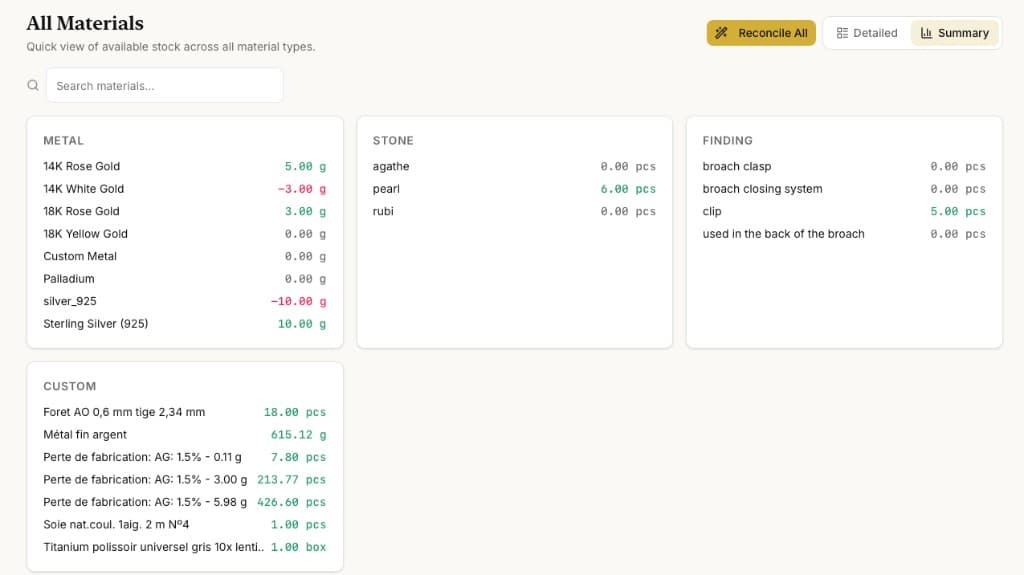
Scan a supplier invoice or add stock. If something turns up later in the workshop, reconcile when you are calm.
Materials and your hours become a sell price you can still tweak.
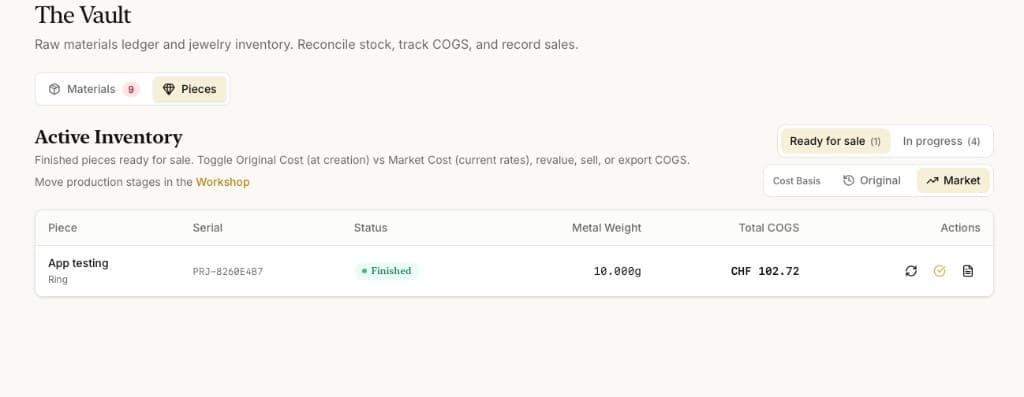
Photo price list for a gallerist, or a quotation for a client who asked for something similar.
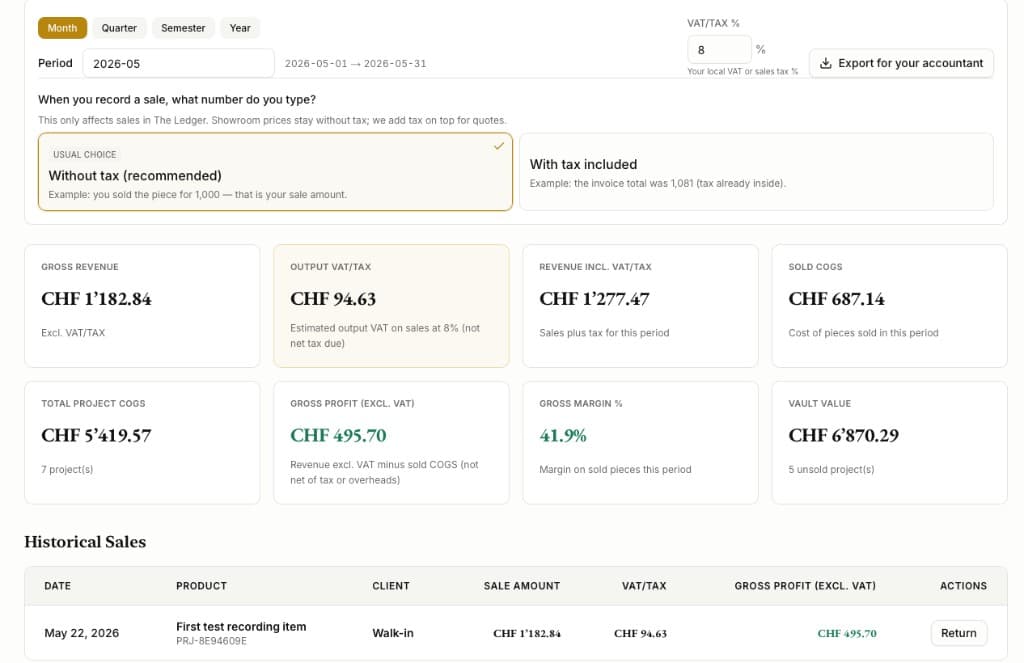
Log the sale on your phone or at the desk so the piece is off the list and you know where you stand.
Scan a supplier invoice or add stock. If something turns up later in the workshop, reconcile when you are calm.
Materials and your hours become a sell price you can still tweak.
Photo price list for a gallerist, or a quotation for a client who asked for something similar.
Log the sale on your phone or at the desk so the piece is off the list and you know where you stand.